less editing, more results
you yap.
vera edits.
Your ideas deserve to leave your camera roll.
Turn talking-head footage into ready-to-post reels, minus the editing spiral taking hours of your life away.
works with Claude or Codex
A$49 once. no Vera subscription.
For Mac. Your own AI subscription and a supported desktop app required. What you’ll need ↗
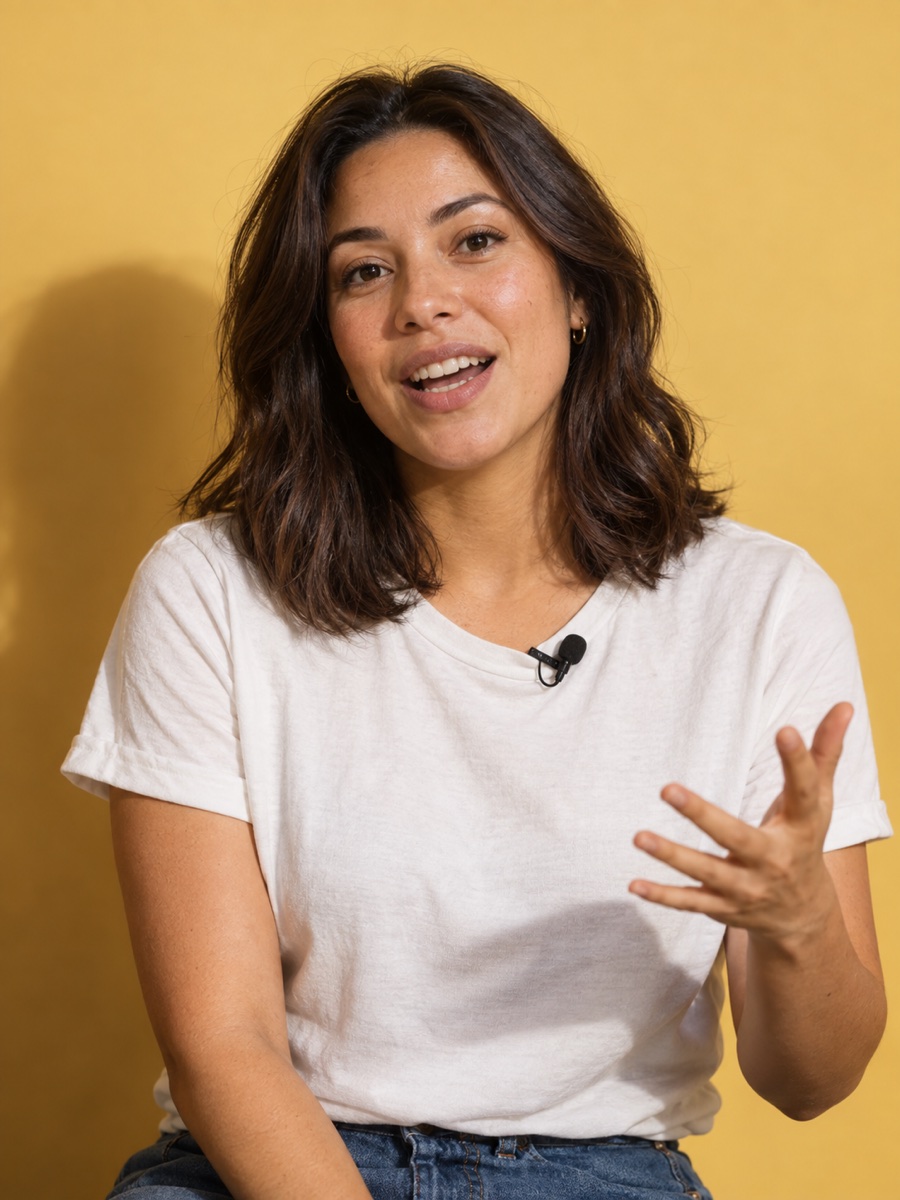
200k/year 9/5
so...
your next reel
“so I just quit my 9-5...”
pausescut
trending captionsapplied
umms and uhhsseamlessly eliminated
Illustrative reel. Engagement numbers are examples.
vera edits
your next reel shouldn’t
come with another invoice.
A$49. once.
No monthly Vera bill.
Works with Claude or Codex. Your own AI subscription and a supported desktop app are required and aren’t included in the A$49 purchase.big yap. tiny to-do list.
from camera roll
to “posted.”
Three steps. No 47-tab tutorial.
You bring the personality. vera brings the edit.
- 01
upload.
Drop in your footage - one take, umms and uhhs included.
- 02
tell vera the edit.
Ask for tighter pauses, filler cleanup or word-by-word captions. Tell it what to keep, too.
- 03
post it.
Give it your final say, make it yours, and send that reel out into the world.
got a yap waiting?
Give your next reel a head start.
professional yapper? welcome home.
made for people
with better
shit to do.
If your camera roll is full of videos
you’ve been meaning to edit...
a little early access
less editing.
more you.
Try Vera on your next reel.
Works with Codex or Claude Desktop.
For testers. Not notarized by Apple yet.
getting started
- Make yourself at home. Open the download and drag Vera Local Test.app to Applications.
- Meet your assistant. Open Vera, choose Codex, Claude Desktop, or both, then restart your assistant when its work is finished.
- Bring the footage. Add videos to Movies/Vera Local Test in your home folder. Ask your assistant to list your videos.
You’ll need your own AI subscription and supported desktop assistant. macOS may block this test build; don’t disable Gatekeeper globally. This is not the commercial release. Anyone with the link can download it; no payment is taken.
a little clarity before you yap.
good questions.
straight answers.
A$49 for Vera, once. Here’s what that means for your setup.
what do I need?
A Mac, your own AI subscription, and the Claude Desktop or Codex app. Vera runs locally on your computer and connects to your assistant. A browser chat alone isn’t the setup.
does it work on Windows or my phone?
This initial release is for macOS. Windows support is planned, not available yet. It isn’t a phone or iPad editing app.
is A$49 really a one-time purchase?
Yes. A$49 is the one-time price for Vera, in Australian dollars. There’s no recurring Vera fee. Your AI subscription is separate, and its own usage limits still apply.
do I need to be technical?
You describe edits in plain language, but the current setup has installation and connection steps. It isn’t a one-click install yet. Check the setup requirements before purchasing.
what happens to my original footage?
Vera creates a separate edited output and preserves your source footage. You review the result and can ask for changes before posting.
can I tell it what not to cut?
Yes. Tell Vera what to keep as well as what to remove. You can also request manual review of sound-cleanup decisions rather than accepting them automatically.
what happens when I join early access?
You join the email list for launch news. This form doesn’t charge you, take payment details or deliver the software. We’ll let you know when Vera is available to buy.
get in on the good stuff.
One-time purchase. No monthly vera bill.
you’re on the list.
We’ll email you when vera is ready.
Until then, keep yapping.